Advertise With Gotilo
Reach thousands of local users by placing your ads on Gotilo. Below you'll find all the details you need to get started, including ad types, sizes, guidelines, and review process.
Working Process
How It Working
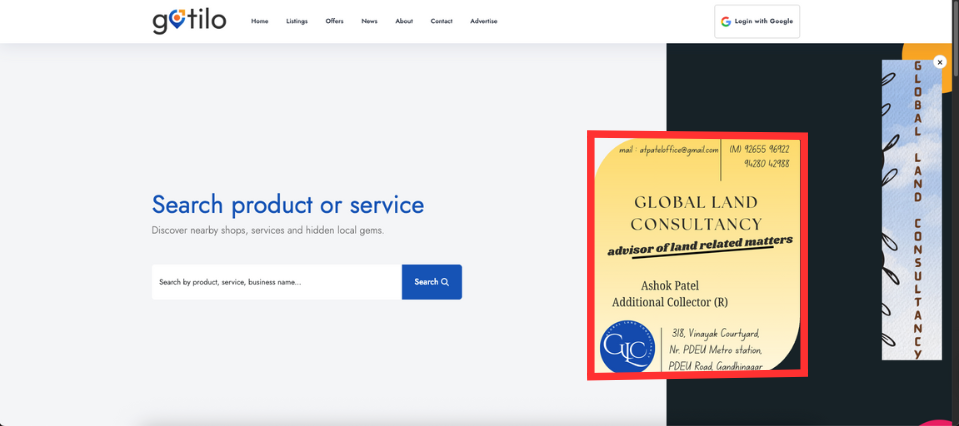
1. Home Page Ad
- Dimensions: 416 × 476 px
- Purpose: Showcase flagship promotions in a prominent spot
- Placement: Above the fold in the homepage's featured section
- Display Trigger: Loads immediately on site entry
- File Requirements: JPEG or PNG, maximum 150 KB, 10 px safe margin
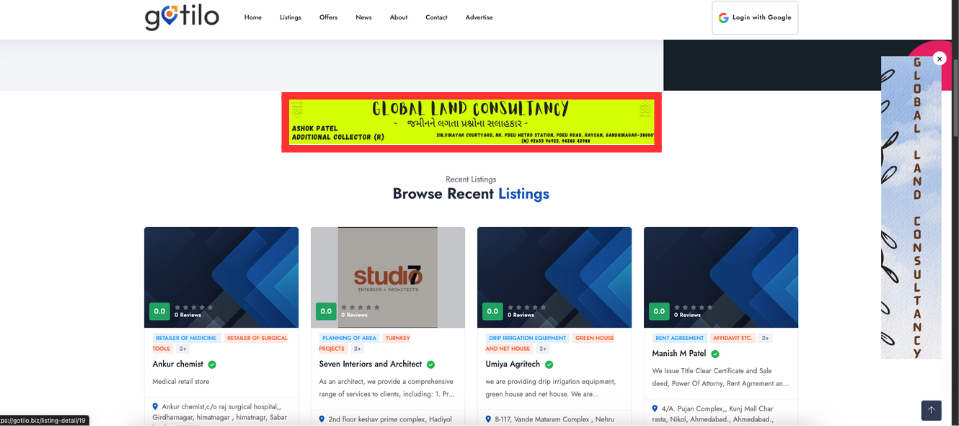
2. Banner Ad
- Dimensions: 728 × 90 px
- Purpose: Grab visitor attention at the very top or bottom of every page
- Placement: Sticks to the top or bottom edge site-wide
- Display Trigger: Shows on initial page load and when user scrolls past the header
- File Requirements: JPEG or PNG, maximum 150 KB, include a 10 px safe margin inside the art
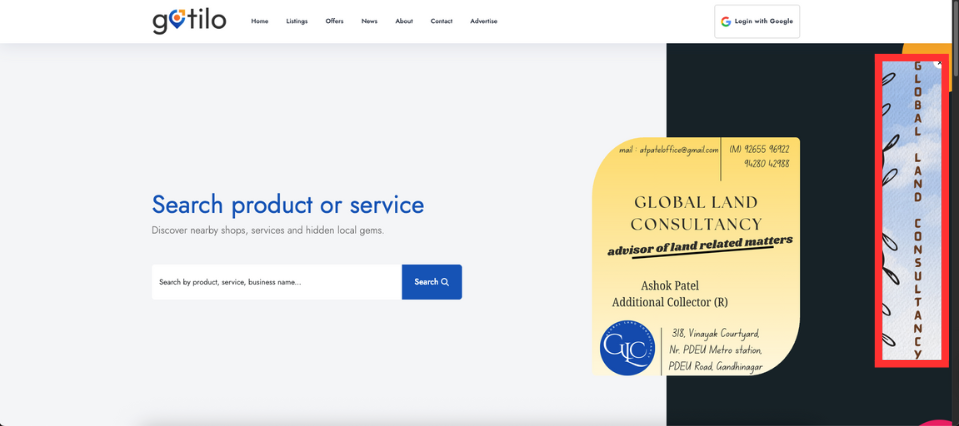
3. Floating Ad
- Dimensions: 120 × 600 px
- Purpose: Maintain persistent brand messaging as users scroll
- Placement: Pins to either the left or right viewport edge
- Display Trigger: Stays visible until the user closes it or reaches the page footer
- File Requirements: JPEG or PNG, maximum 150 KB, 10 px safe margin
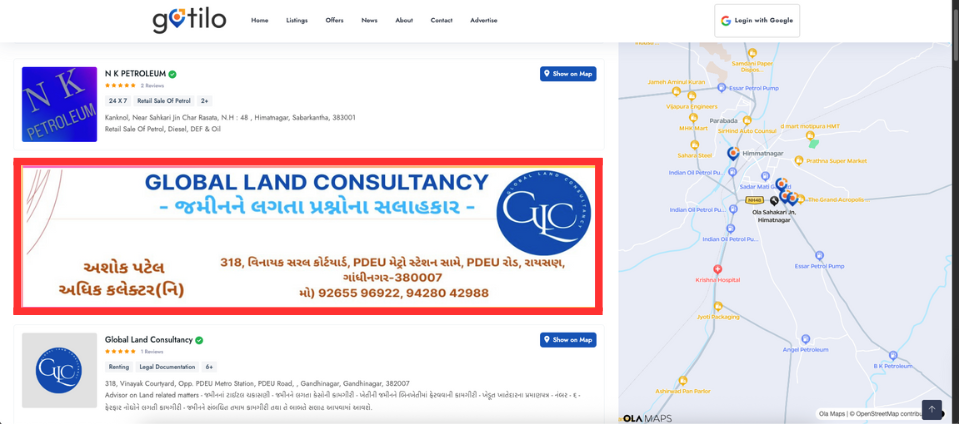
4. Listing Ad
- Dimensions: 1152 × 288 px
- Purpose: Highlight key products within overview or search-result grids
- Placement: Embedded inside product listing summaries
- Display Trigger: Loads immediately when the listing page appears
- File Requirements: JPEG or PNG, maximum 150 KB, 10 px safe margin
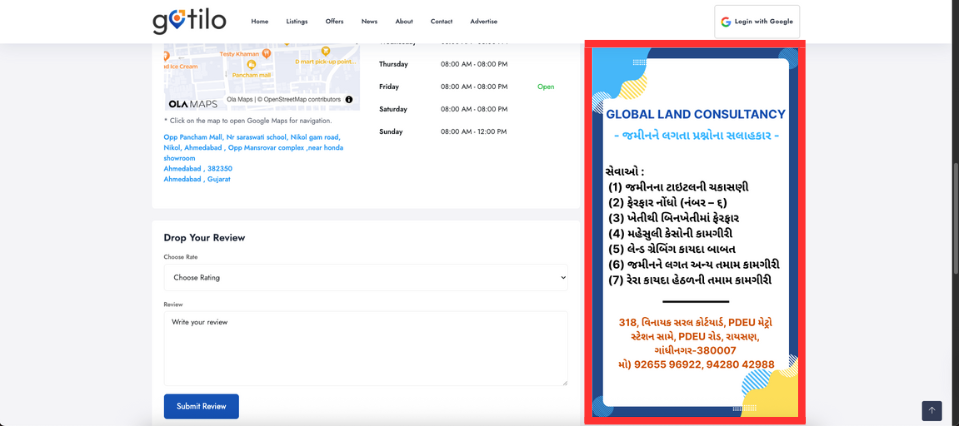
5. Listing Detail Ad
- Dimensions: 416 × 740 px
- Purpose: Promote special offers or upsells on individual product pages
- Placement: Directly below the product description block
- Display Trigger: Appears once the product details scroll into view
- File Requirements: JPEG or PNG, maximum 150 KB, 10 px safe margin